
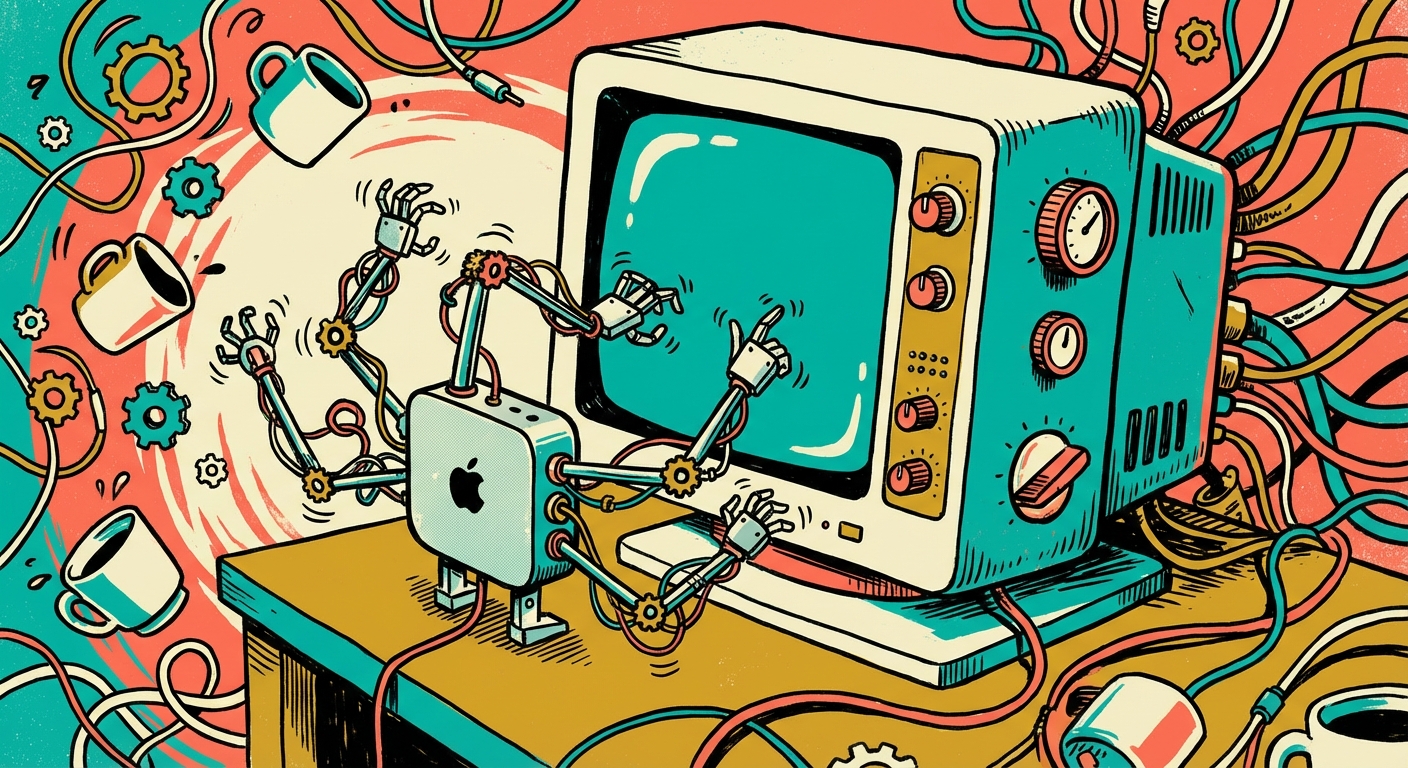
Apple has Mac Mini shortages. High-memory configs are backordered 3-6 weeks — everyone’s buying them for OpenClaw. But 90% of business tasks run better on a $9/month cloud server. Here’s the cost math and when local hardware actually matters.
The Mac Mini Frenzy
OpenClaw crossed 165,000 GitHub stars. HackerNoon ran “Why Everyone Is Panic-Buying Mac Minis.” TechRadar confirmed shortages. People are treating the Mac Mini M4 like a must-have appliance for their new AI assistant.
The pitch: a silent computer in your closet running your AI agent 24/7 for a one-time purchase. Email, meetings, WhatsApp, browser control. It doesn’t play out that way.
What “Computer Use” Actually Means
OpenClaw’s headline feature, “computer use,” lets the agent see your screen, move the mouse, click buttons, and type into forms. It has hands.
Screen control does one thing: automate visual interfaces. The agent takes screenshots of websites, desktop apps, and forms, interprets what it sees, and clicks around.
That’s useful for two things:
- Legacy systems with no other way in. Government portals. Old CRMs. Internal tools from 2009 with no integrations.
- iMessage. Apple locks iMessage to macOS. No cloud workaround gets around it.
Everything else? Your agent doesn’t need to see a screen.
The 90% You’re Overpaying For
Email, calendar, Slack, Discord, Telegram, WhatsApp, CRM updates, file management, web research — every one of these works through direct integrations. No screen required. No Mac Mini required.
Most buyers try screen control for a day. They realize their real workflows are email triage and calendar management. They never touch it again. The Agile VC’s Substack post put it plainly: “I Used OpenClaw for 6 Hours so You Don’t Have to Buy a Mac Mini.”
The Cost Math
A Mac Mini M4 starts at $499. Most OpenClaw users grab the 24GB model at $699-999 because they want to run local AI models too. Add a keyboard, a monitor for initial setup, and your time configuring it.
Cloud hosting starts at $9/month. Managed services like MyClaw, SimpleClaw, and others handle everything — updates, backups, uptime.
But here’s what people miss: the real cost is identical on both setups. OpenClaw burns through AI tokens regardless of where it runs. Light personal use costs $10-30/month in Claude or GPT usage. Business use runs $25-50/month. One MacStories editor burned $3,600 in a single month on API fees.
The Mac Mini doesn’t save you that. It just adds $500-999 on top.
Cloud at $9/month: $468/year total. Mac Mini at $499: $895/year total. Nearly double — for the same AI capabilities on 90% of tasks.
The Security Problem
A Mac Mini running OpenClaw is a server on your home network. Researchers found 42,000+ publicly exposed OpenClaw instances — many from people who set up a Mac Mini, opened a port for remote access, and didn’t realize the whole internet could now talk to their agent.
A critical vulnerability let attackers take over your bot with a single malicious link. One click, full access. OpenClaw’s first security audit uncovered 512 vulnerabilities. ClawHub, the skill marketplace, had 341 confirmed malicious skills.
Cloud hosting providers handle security, isolation, and updates. Your Mac Mini in the closet? That’s on you.
| Mac Mini (Local) | Cloud Hosting | |
|---|---|---|
| Always on, 24/7 | If it stays awake | |
| Screen control | — | |
| iMessage | — | |
| Security updates | Manual | Automatic |
| Network isolation | — | |
| Scales to multiple bots | — | |
| Survives power outage | — | |
| No hardware purchase | — | |
| Webhook support | Requires port forwarding |
When a Mac Mini Actually Makes Sense
Two scenarios. That’s it.
You need iMessage integration. Apple locks iMessage to macOS hardware. No cloud provider, no workaround, no hack gets around this. If your customers or team live in iMessage, you need a Mac.
You automate legacy web portals daily. Not once. Daily. Your business logs into a government portal, a vendor system with no integrations, or an internal tool from the pre-cloud era every single day. Screen control pays for itself.
Everyone else? Cloud.
The Setup That Actually Works
Skip the hardware. Pick a managed hosting provider. Connect your messaging channels. Let the service handle uptime, security, and updates.
Your agent handles email triage, books meetings, manages your CRM, answers questions on Slack, and sends follow-ups on WhatsApp — all through direct integrations. No screen needed. No Mac Mini needed.
Month one cost: $9-29 hosting + $10-30 API usage = $19-59 total.
Month one with a Mac Mini: $499-999 hardware + $10-30 API usage + your weekend setting it up = $509-1,029 total.
Same bot. Same capabilities for the work that matters. One-twentieth the cost to start.
Most people never need screen control. If you do, add a Mac Mini later for that specific workflow. Start cloud. Prove the value first. Buy hardware only when a real workflow demands it.
Bottom line: The Mac Mini frenzy is real — Apple can’t keep them in stock. But screen control, the feature driving the hype, matters for about 10% of business workflows. Email, calendar, messaging, and CRM run better, cheaper, and more securely in the cloud. Start at $9/month. Save the $500. Compare managed hosting providers and get your bot running today.